

A minute after every trip, a season on one page

Where you went, how long it took, what you burned. Type it in while the lines are still warm; at the end of the season the voyages, fuel and hours are already a table.

Free
Download on the App Store — Coming soon to the App StoreComing soon to the App Store Get it on Google Play
QRScan to download
See how it works
App screen S-15
Bodrum → Datça 28 nm · 4.6 h

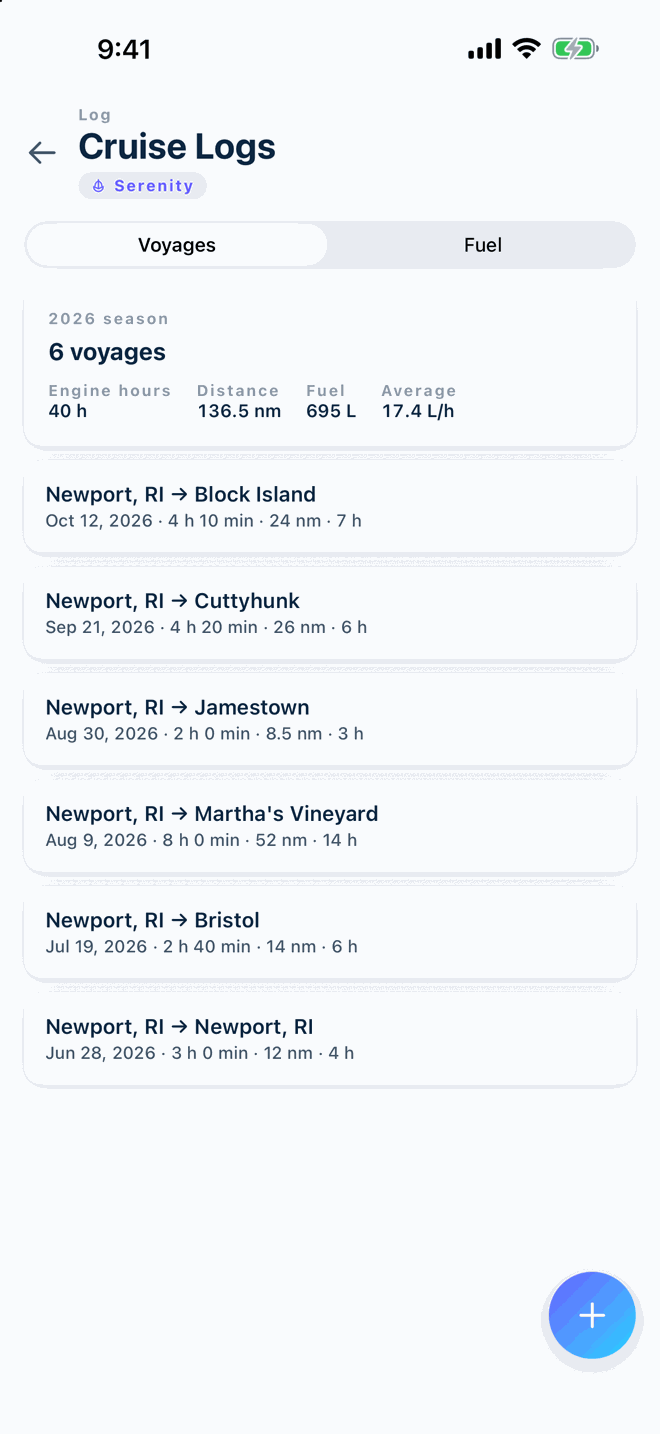
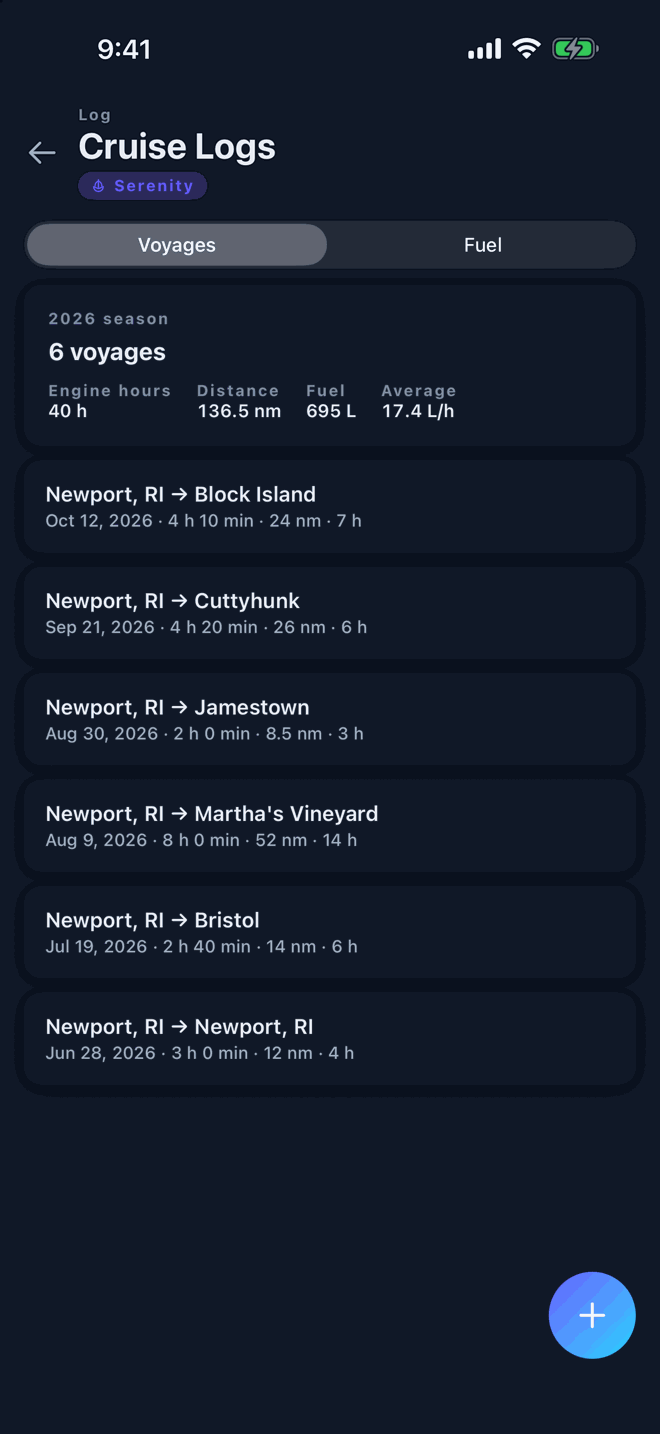
Voyages, fuel and the readings that feed maintenance

Three tabs, one entry per trip. The engine hours you write here are the same hours your reminders count down from.

The trip, in a few lines

Free
  • Departure, arrival, distance and time

    Two ports, the miles between them and how long it took. Enough to see the season add up.

  • Weather as a note, in your words

    Wind, sea state and anything worth remembering, typed by you. Vessly does not pull forecasts.

  • Photos on the entry

    The anchorage, the sunset or the thing that broke. They stay with the trip.
App screen S-15

Litres in, level left

Free
  • Litres and amount

    Record each fill-up with the quantity and what it cost; the cost joins your expenses.

  • Tank level

    Note the level after a trip or a fill-up so the next plan starts from a number, not a guess.

  • Litres per hour, trip by trip

    Vessly works out average consumption from your fill-ups and engine hours and shows how it moves from one voyage to the next.

App screen S-16
Screenshot coming · S-16

Hours and gauges that move your reminders

Free
  • Engine hours, tanks and gauges

    Type the reading from the meter after a trip. One counter per engine, plus any gauge you want to follow.

  • Readings with a chart

    Each reading is drawn on a small chart over time, so a sudden change shows.

  • Readings trigger reminders

    Every hour-based task recalculates from the new reading. No reading, no surprise.

App screen S-07
Screenshot coming · S-07
App screen S-16
Screenshot coming · S-16

Logbook and hours, answered

How do I enter engine hours?

Type the reading from your engine's hour meter into Vessly whenever you like, for example after a trip. Every hour-based task counts down from that number. There is no automatic reading from the engine.

Does it work offline?

Yes. Adding records, ticking checklists and reading your history all work without a signal. Only AI Mechanic and Fleet sync need a connection.

All questions

Start with your boat today

Download on the App Store — Coming soon to the App StoreComing soon to the App Store Get it on Google Play
QRScan to download

Three boats free · works offline · no account needed